 b3ck.org I tinker. I fix. Therfore I am.
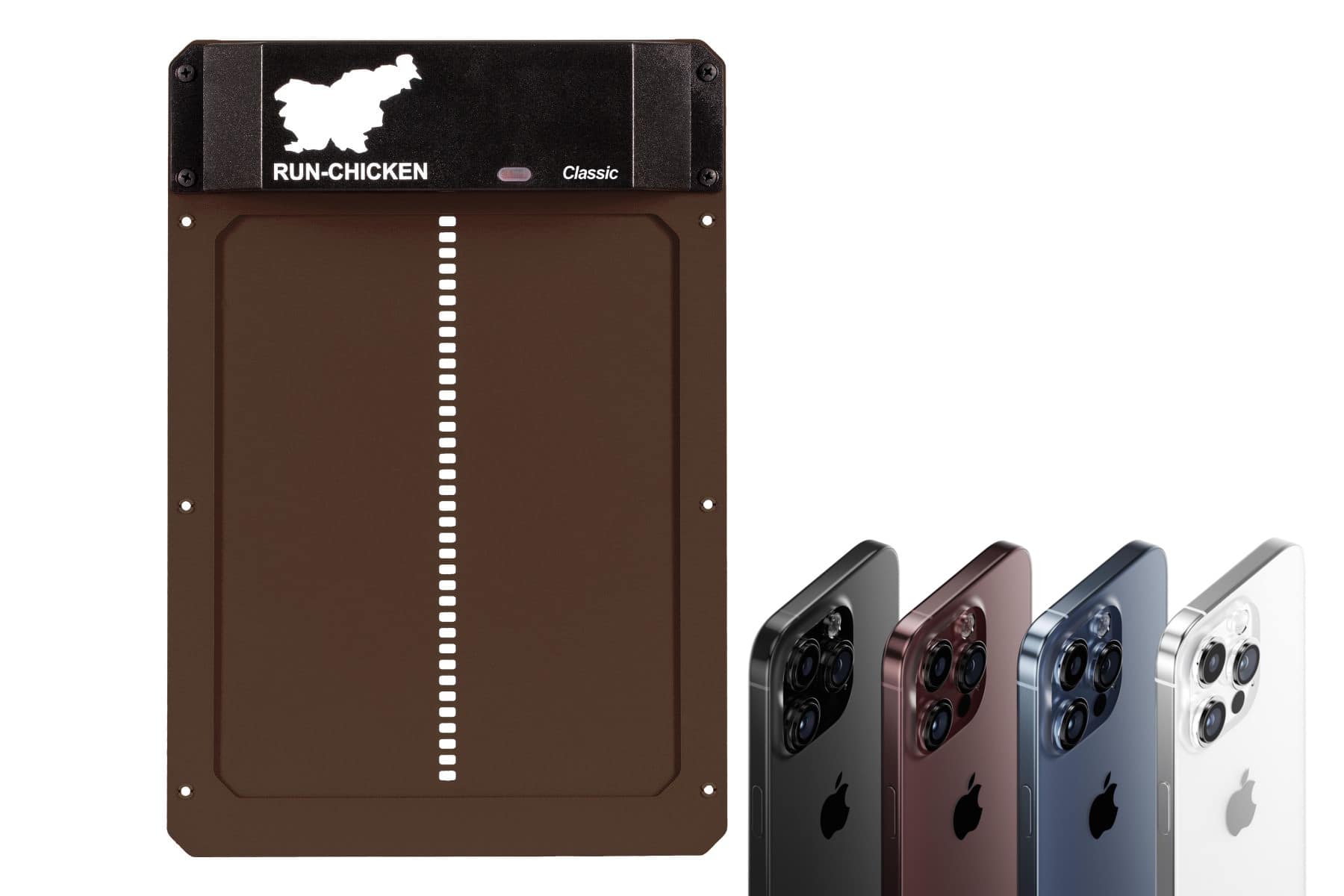
If you use a Run Chicken T50 automatic coop door and suddenly can’t program it after changing batteries — even though it worked fine for years — you’re not alone. I ran into this exact problem, and the cause turned out to be an iPhone software update, not a bad door or dead sensor.
Here’s what’s actually happening and how to fix it.
Run Chicken T50 Door Not Programming After iPhone Update (Liquid Glass)
I spent hours trying to troubleshoot this. Luckily I have a few of these Run Chicken T50 automatic coop doors and after testing on 3 of them, I knew it had to my my iPhone. The only change was the most recent update to Liquid Glass.
The Symptoms
After replacing dead batteries in the Run-Chicken T50:
-
The door powers up normally
-
Manual open/close works
-
The unit enters configuration mode correctly
-
The programming app flashes the screen
-
But the green confirmation light never appears after programming
At first glance, this looks like a failed light sensor or a dead controller.
It isn’t.
The Real Cause: iPhone “Liquid Glass” Display Updates
The Run-Chicken T50 is programmed using pulses of light from your phone screen. The app flashes precise black-and-white patterns that the door’s light sensor decodes.
Recent iPhone display updates (often referred to as Liquid Glass style rendering) change how pixels transition:
-
Temporal smoothing
-
Sub-pixel blending
-
Adaptive brightness behavior even when “disabled”
-
HDR tone mapping
To your eyes, the screen still flashes normally.
To the Run-Chicken light sensor, the pulses are now too soft and rounded to decode.
The result:
The controller never sees valid programming data, so it never flashes green.
Even after modifying every setting I could find in the iPhone Display and Brightness, I couldn’t program my doors. I dug out an old Android device and charged it, installed the app, setup the times I wanted my doors to open and close, and successfully programmed the Run Chicken door on the first try.
How I Confirmed It
I tried programming the same door using:
-
An older Android phone
It worked immediately.
No changes to the door.
No reset beyond fresh batteries.
Same programming steps.
That confirmed the problem was the iPhone display pipeline, not the Run-Chicken hardware.
The Fix (That Actually Works)
✔ Use a Non-Updated Device to Program Once
-
An older Android phone – ebay or Amazon both has decent inexpensive options.
-
Even a tablet or LCD screen if supported
Once programmed, the settings are stored inside the door, not the phone.
You only need the app again if:
-
Batteries die
-
You want to change open/close behavior
As an Amazon Associate I earn from qualifying purchases. Read our Privacy Policy for more info.